借助蓝图机制,实现红图功能,以便进一步细化web模块
1.建立红图类
# 红图类
class Redprint:def __init__(self, name):self.name = nameself.mound = []def route(self, rule, **options):def decorator(f):self.mound.append((f, rule, options))return freturn decoratordef register(self, bp, url_prefix=None):if url_prefix is None:url_prefix = '/' + self.namefor f, rule, options in self.mound:endpoint = self.name + '+' + \options.pop("endpoint", f.__name__)bp.add_url_rule(url_prefix + rule, endpoint, f, **options)
2.建立红图实例
from app.libs.redprint import Redprintapi = Redprint('test')@api.route('/')
def index():return 'Hello World
'3.在蓝图上注册红图
from flask import Blueprint
from app.sys.admin.api import temp_test__author__ = 'ljz'def create_blueprint_admin():bp_admin = Blueprint('admin', __name__)# 在蓝图上注册红图temp_test.api.register(bp_admin)return bp_admin
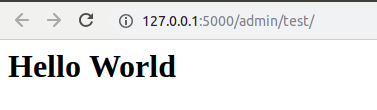
4.测试