
文章目录
- 报错信息
- 解决方法
报错信息
- 报错示例图:
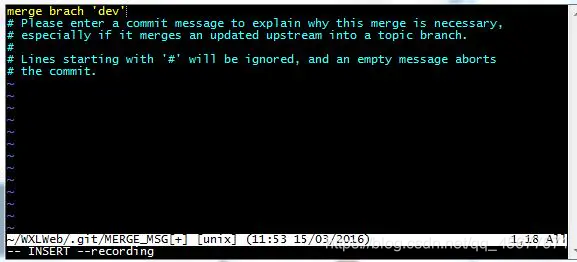
- 报错示例代码:
merge brach "test"
# Please enter a commit message to explain why this merge is necessary,
# especially if it merges an updated upstream into a topic branch.
#
# Lines starting with '#' will be ignored, and an empty message aborts
# the commit.
~
~
~
-- INSERT -- recording
- 报错中文翻译:
# 请输入一个提交消息来解释为什么合并是必要的,
# 特别是当它合并一个更新的上游到一个主题分支。
#
# 以“#”开头的行将被忽略,空消息将中止
# 提交。
解决方法
- 不写原因直接3,4步骤,写原因则1,2,3,4步骤
- 按键盘字母 i 进入insert模式
- 修改最上面那行黄色合并信息,可以不修改
- 按键盘左上角"Esc"
- 输入":wq",注意是冒号+wq,按回车键即可
merge brach "test"
# Please enter a commit message to explain why this merge is necessary,
# especially if it merges an updated upstream into a topic branch.
#
# Lines starting with '#' will be ignored, and an empty message aborts
# the commit.
~
~
~
:wq