
使用speedomster、nload测试网速
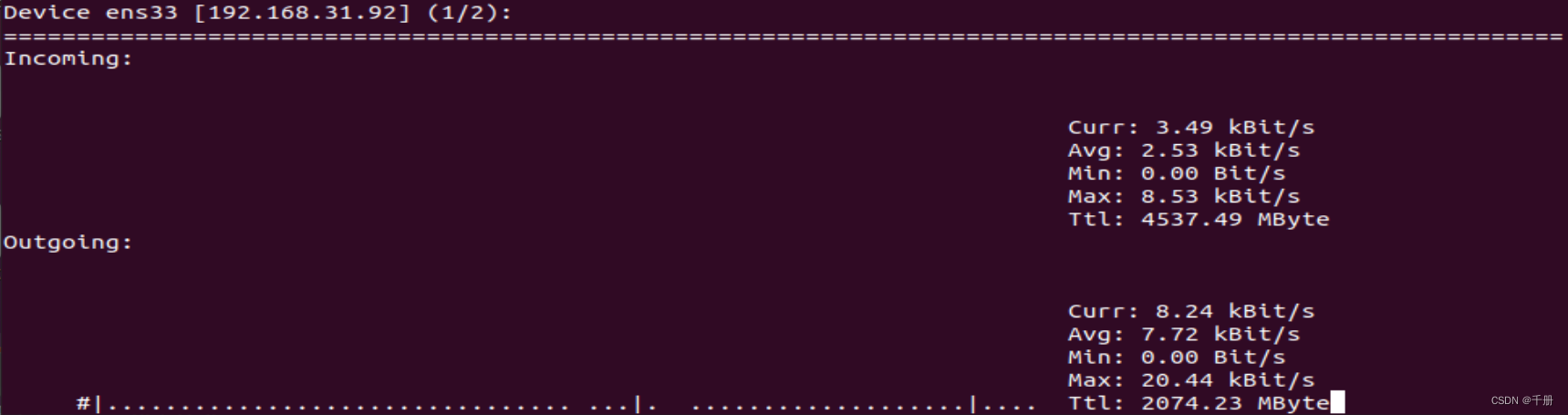
sudo apt-get install speedometer查询需要测速的网卡
speedometer -r ens33 -t ens33-r: 指定网卡的接收速度
-t: 指定网卡的发送速度

使用nload测试
sudo apt-get install nload测速
nload -t 200 -i 1024 -o 128 -U M参数含义,使用nload -h查看
使用speedtest-cli测试网速
这看起来是用于测试到指定服务器的速度的。
sudo apt-get install speedtest-clispeedtest-cli
到默认测试服务器的上传速度
$ speedtest-cli --no-download --bytes
Retrieving speedtest.net configuration...
Testing from China Telecom (113.65.31.118)...
Retrieving speedtest.net server list...
Selecting best server based on ping...
Hosted by HKIX (Hong Kong) [133.01 km]: 217.552 ms
Skipping download test
Testing upload speed......................................................................................................
Upload: 0.64 Mbyte/s
到默认测试服务器的下载速度
speedtest-cli --no-upload --bytes
Retrieving speedtest.net configuration...
Testing from China Telecom (113.65.31.118)...
Retrieving speedtest.net server list...
Selecting best server based on ping...
Hosted by STC (Hong Kong) [134.49 km]: 187.916 ms
Testing download speed..........^C
Cancelling...