
很多网站,会有未读信息的提醒(如下图:)
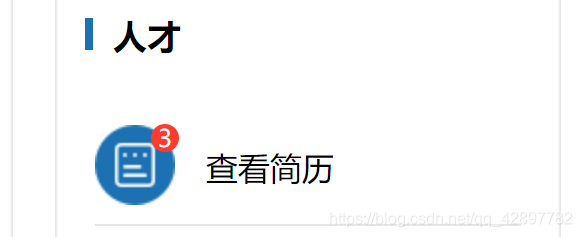
这里的样式主要用到定位
文档链接:https://www.w3school.com.cn/cssref/pr_class_position.asp
 0" class="unreadResumeWarning">{{unreadResume}}查看简历
unreadResume是自定义变量(整型),当未读的信息大于0时,提醒的小红点才会出现;
父级盒子设置css position: relative;
css样式如下
.posttitle1 {width: 213px;height: 60px;margin: 0 auto;margin-top: 9%;border-bottom: 1px solid #E6E6E6;position: relative;
}.unreadResumeWarning {width: 14px;height: 14px;border-radius: 7px;background-color: #FF3B30;position: absolute;left: 28px;top: 10px;
}.unreadResumeCount {display: block;width: 100%;height: 14px;line-height: 14px;text-align: center;color: #fff;font-size: 12px;
}