
前言
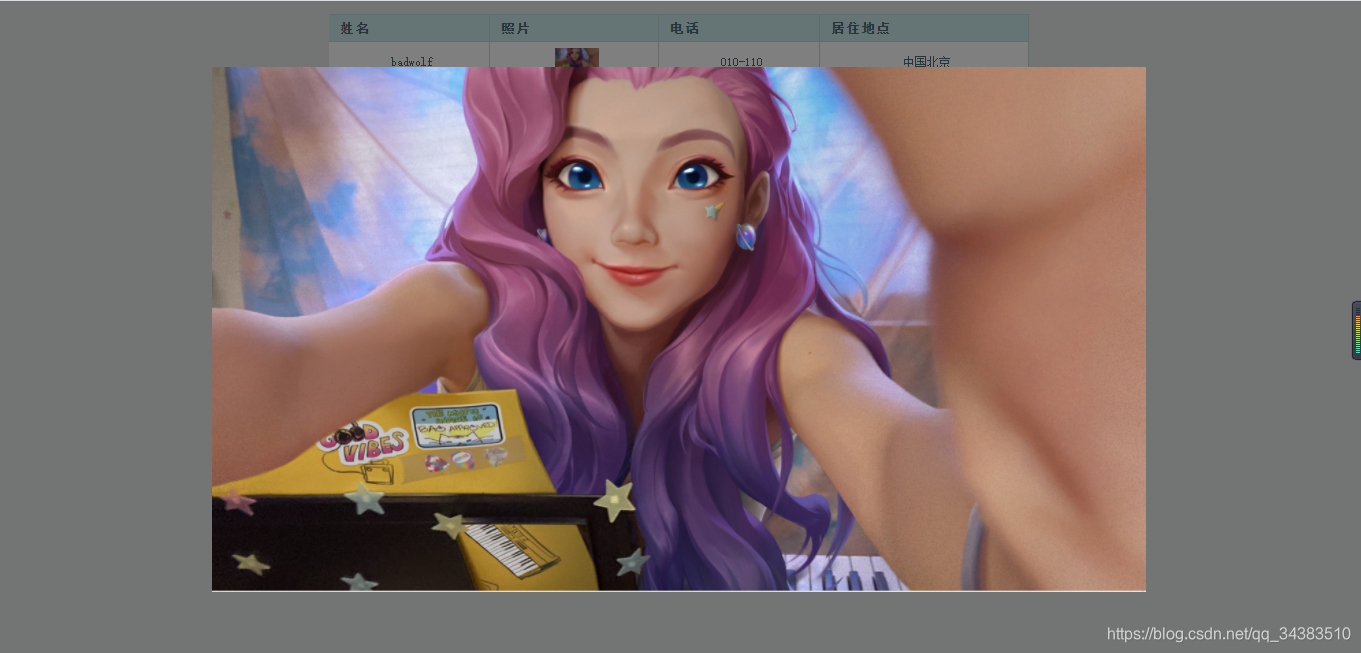
想通过js做一个点击图片,将图片放大到屏幕中间,并遮罩其他地方,再点击图片或遮罩部分,还原图片的功能。
1.创建div用于放置放大后的图片和遮罩区域
代码如下(示例):
<table>
...<td><img id="showImg" class="showImg min" src="111.png"/>td>
...
table>

<div id="back-curtain" style="position:fixed;top:0;left:0;background:rgba(0,0,0,0.5);z-index:998;width:100%;display:none;"><div id="imgDiv" style="position:absolute;"><img id="bigImg" src="" />div>
div>
2.设置图片最大高度(根据自己要求)
代码如下(示例):
<style type="text/css">.min {max-height:25px;}
style>
3.通过js控制放大位置
代码如下(示例):
// 图片点击放大
$('.showImg').on('click', function(){imgShow("#imgDiv", "#bigImg", $(this), "#back-curtain");
});function imgShow(imgDiv, bigImg, _this, curtain) {// 图片路径var src = _this.attr("src");$(bigImg).attr("src", src);// 加载图片,获取当前点击图片的真实大小$("![]() ").attr("src", src).load(function(){var windowWidth = $(window).width();var windowHeight = $(window).height();var realWidth = this.width;var realHeight = this.height;var imgWidth, imgHeight;var scale = 0.8;if (realHeight > windowHeight * scale) {imgHeight = windowHeight * scale;imgWidth = imgHeight / realHeight * realWidth;if (imgWidth > windowWidth * scale) {imgWidth = windowWidth * scale;}} else if (realWidth > windowWidth * scale) {imgWidth = windowWidth * scale;imgHeight = imgWidth / realWidth * realHeight;} else {imgWidth = realWidth;imgHeight = realHeight;}$(bigImg).css({'width':imgWidth});//计算图片与窗口左边距var left = (windowWidth - imgWidth) / 2;//计算图片与窗口上边距 var top = (windowHeight - imgHeight) / 2;// 图片位置$(imgDiv).css({'top':top, 'left':left});// 图片淡入$(curtain).fadeIn("fast");// 遮罩效果$(curtain).css({'position':'fixed','overflow-y':'auto','width':'100%','height':'100%','z-index':'998'}).show();});// 点击图片或遮罩,图片淡出$(curtain).on('click', function(){$(this).fadeOut("fast");});
}
").attr("src", src).load(function(){var windowWidth = $(window).width();var windowHeight = $(window).height();var realWidth = this.width;var realHeight = this.height;var imgWidth, imgHeight;var scale = 0.8;if (realHeight > windowHeight * scale) {imgHeight = windowHeight * scale;imgWidth = imgHeight / realHeight * realWidth;if (imgWidth > windowWidth * scale) {imgWidth = windowWidth * scale;}} else if (realWidth > windowWidth * scale) {imgWidth = windowWidth * scale;imgHeight = imgWidth / realWidth * realHeight;} else {imgWidth = realWidth;imgHeight = realHeight;}$(bigImg).css({'width':imgWidth});//计算图片与窗口左边距var left = (windowWidth - imgWidth) / 2;//计算图片与窗口上边距 var top = (windowHeight - imgHeight) / 2;// 图片位置$(imgDiv).css({'top':top, 'left':left});// 图片淡入$(curtain).fadeIn("fast");// 遮罩效果$(curtain).css({'position':'fixed','overflow-y':'auto','width':'100%','height':'100%','z-index':'998'}).show();});// 点击图片或遮罩,图片淡出$(curtain).on('click', function(){$(this).fadeOut("fast");});
}
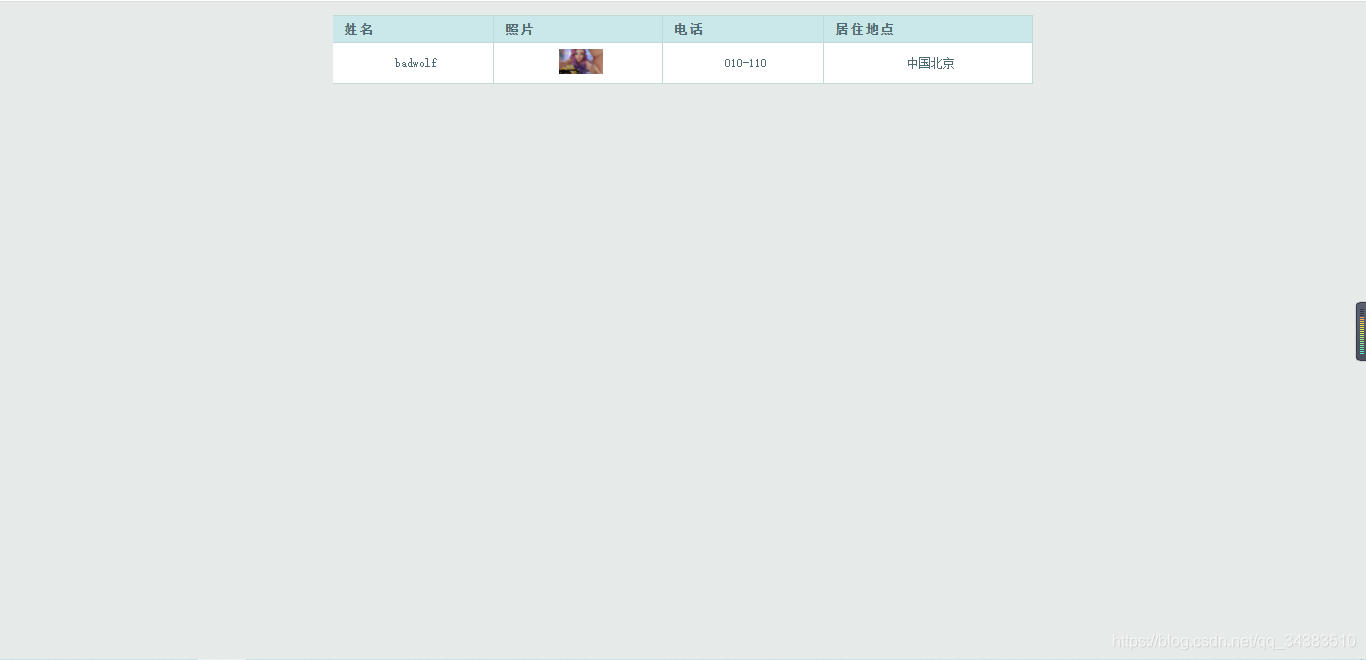
实际效果
初始(示例):
点击放大(示例):
点击还原(示例):