
uniapp ----使用腾讯上传视频(微信小程序)
1.打开微信公众平台,设置–>第三方设置,搜索“腾讯视频”,点击添加。
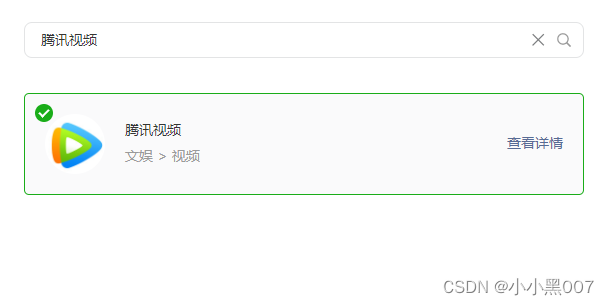
2.在项目文件的page.json中的对应页面的 style中添加
{"path": "pages/video/videoDeatil","style": {"usingComponents": {// #ifdef  MP-WEIXIN "txv-video": "plugin://tencentvideo/video"// #endif}}
},
3.页面中引入
<view class=""><txv-video vid="xxxx" playerid="cccc"></txv-video>
</view>